Tools · News
SculptForge makes AI sculpting more useful by giving artists the controls
The free, open-source sculpting application adds plain-language commands, improved lighting, image-to-3D tools and more reliable ways for AI agents to work with a live scene.
Reporting updated Nov 18, 2026

THE TAKEAWAY
SculptForge 0.13 makes it easier to move between AI-assisted modeling and traditional hands-on sculpting. Artists can generate a starting mesh, issue direct commands and keep refining the result with familiar sculpting tools. AI remains optional.
WHAT HAPPENED
The SculptForge contributors have shipped a series of updates that make their free sculpting application more approachable for both artists and AI agents.
One of the most useful additions is a smarter F3 command search. Instead of hunting through menus, an artist can type clay 40, mirror x or remesh 200k and immediately see the action the application will perform.
The viewport also gains more readable lighting. Shadows and ambient occlusion help artists judge the shapes they are building, especially around overlapping forms, folds and recesses.
For AI-assisted asset creation, SculptForge adds Tripo v3.1 to its image-to-3D options, with visible per-generation cost information. Artists can bring a generated mesh into the application and continue sculpting it rather than treating the AI result as finished artwork.
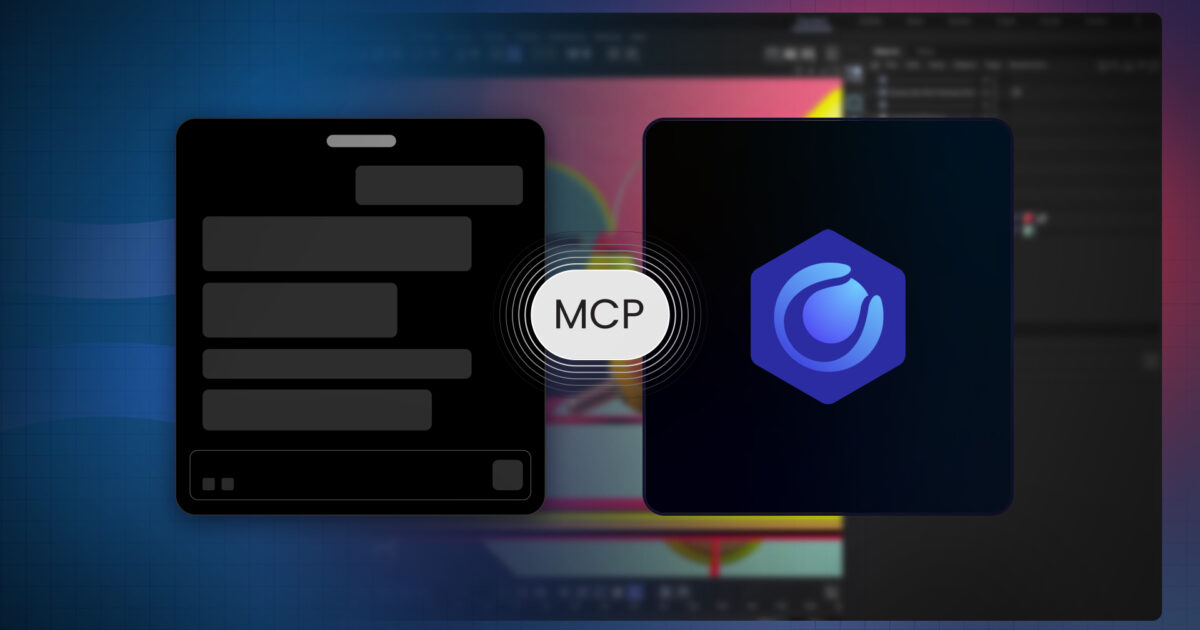
The subsequent 0.13 updates also improve agent workflows. Connected AI tools can inspect structured scene information, execute batches of commands as a single undoable operation and create checkpoints. That makes longer automated editing sessions easier to inspect and recover.
The application runs on Windows, macOS and Linux and connects to Blender and other production pipelines.
WHY IT MATTERS
Generating a model is often the easy part. Turning it into a useful asset still takes work: correcting proportions, rebuilding details, refining silhouettes and preparing geometry for another application.
SculptForge is interesting because it keeps those traditional editing tools central to the experience.
Its approach is also deliberately flexible. Artists can work without AI, choose local or external services, and control when online generation is used. The software itself is free and open source, although external AI generation may carry usage fees.
The 0.13 release does not eliminate the need for modeling skills. It gives artists another way to get started and more direct control over what happens afterward.
WHAT CHANGED
Faster direct control.
Typed commands provide quick access to sculpting, symmetry and remeshing.
Better form reading.
PBR shadows and ambient occlusion make surface changes easier to judge.
AI-generated starting points.
Tripo and other supported services can provide geometry that artists continue refining.
Safer agent editing.
Structured scene data, grouped undo operations and checkpoints give artists more control over automated work.
VEYR ANGLE
AI tools become much more valuable when creators can correct their work instead of repeatedly asking for a completely new result. SculptForge is worth watching because it treats generation as one stage of making an asset—not the destination.