Film · Breakthrough Workflows
Curious Refuge shows filmmakers how to change the light after the cameras stop
Tyler Smith's new workflow uses an AI-edited reference frame to transform existing footage without filming the scene again.
Reporting updated Nov 1, 2026

THE TAKEAWAY
Curious Refuge has demonstrated a practical AI relighting workflow: take a frame from existing footage, redesign its lighting with an image model, then use the edited frame to guide a new version of the original video.
WHAT HAPPENED
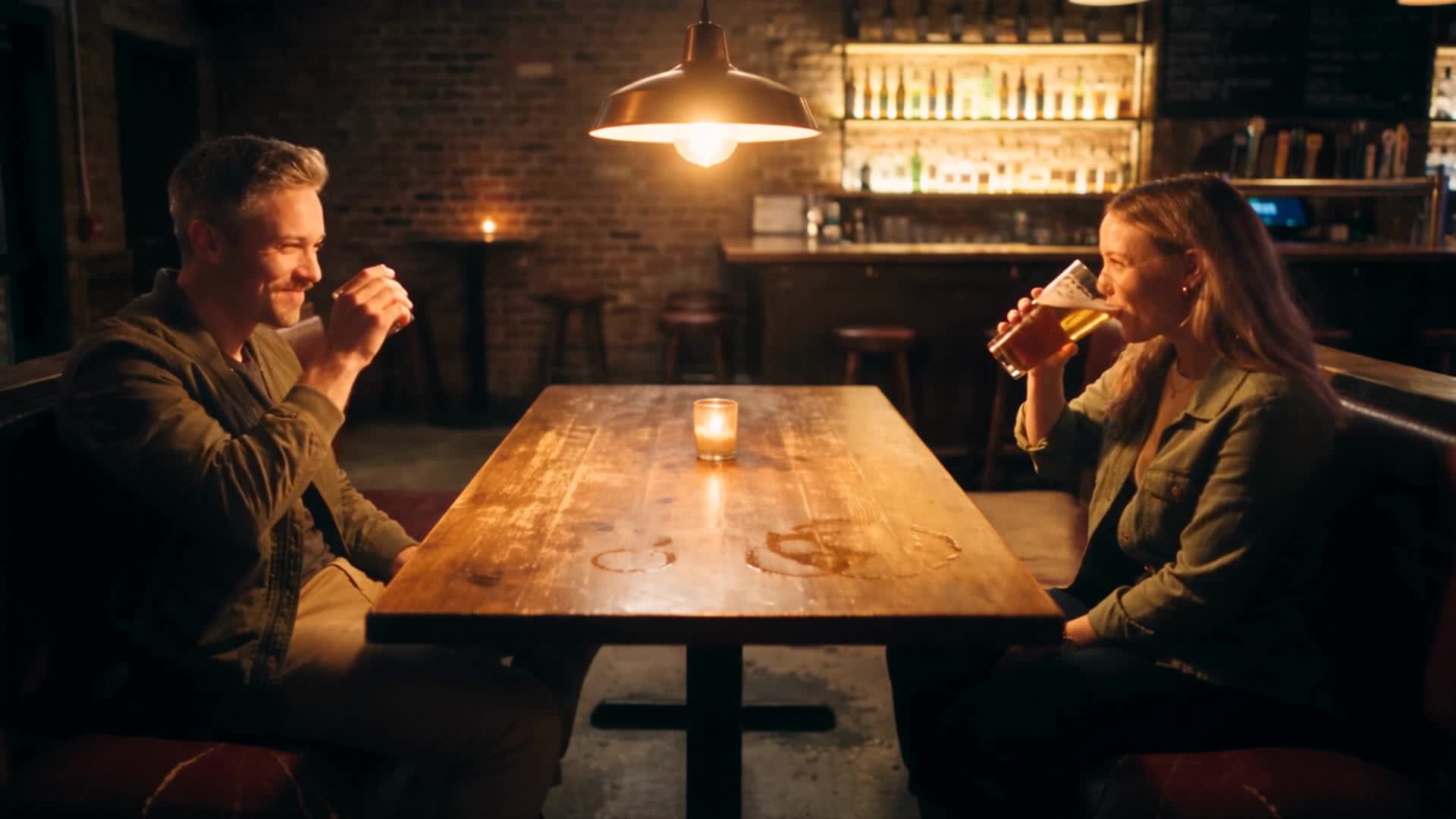
A man is working in an office during the day. The filmmaker decides the scene would feel better if he were still there late at night.
Traditionally, that could mean reshooting the scene or doing extensive post-production work.
In an October 30 tutorial, Curious Refuge's Tyler Smith explores another option.
The process begins with the original footage. The filmmaker exports a still frame and chooses a reference image showing the desired lighting.
Using an image editor such as Nano Banana 2.1 or GPT Image 2.5, the creator changes the still to match that reference.
Once the result looks right, the edited frame and original video are supplied to a compatible AI video model, which attempts to carry the new lighting through the moving shot.
Curious Refuge demonstrates the approach on live-action footage and gray-box environments.
The results can be striking, although the team also documents exposure drift, banding, altered details and resolution loss.
The exact video model used in the demonstration is not disclosed.
WHY IT MATTERS
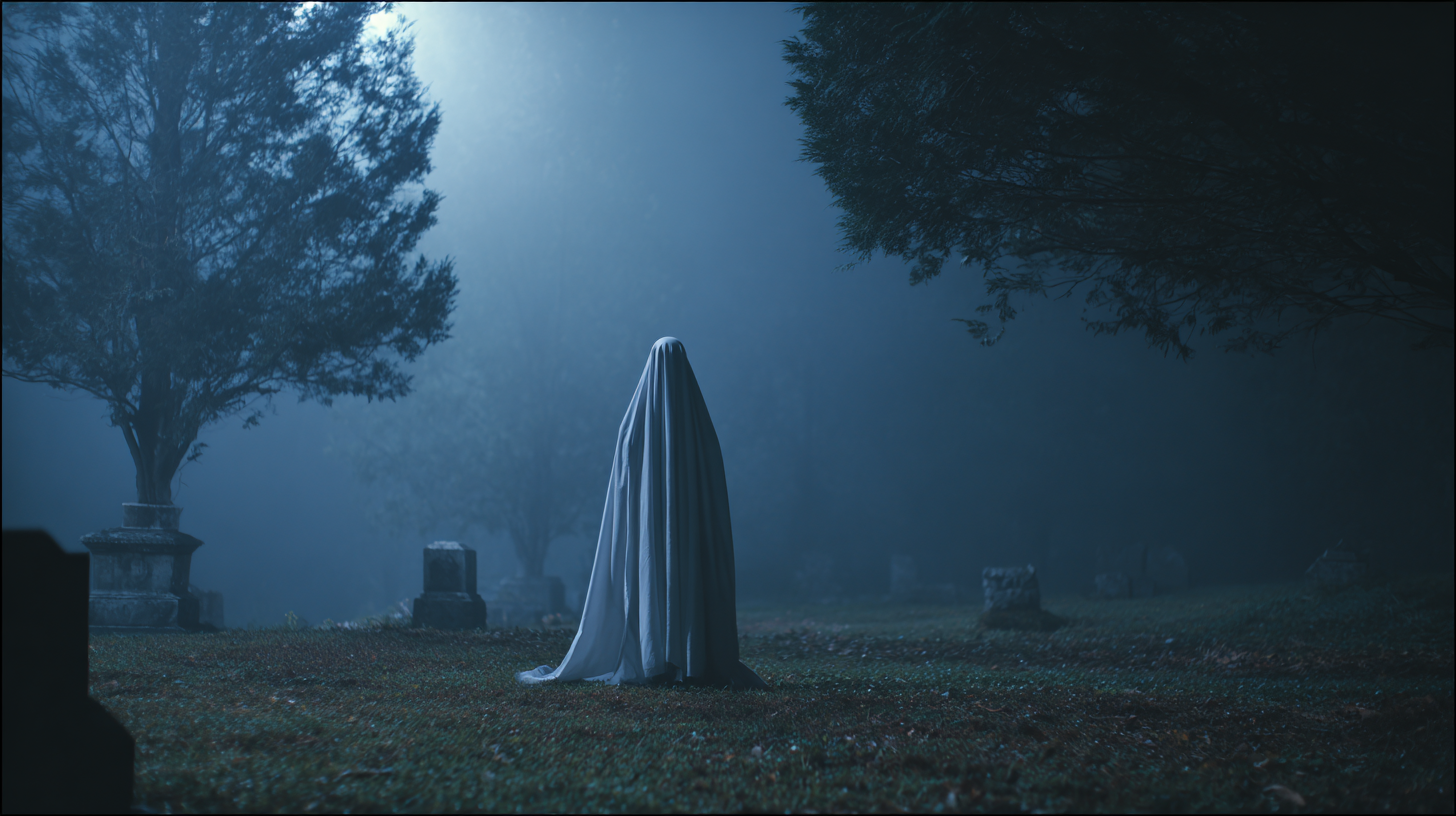
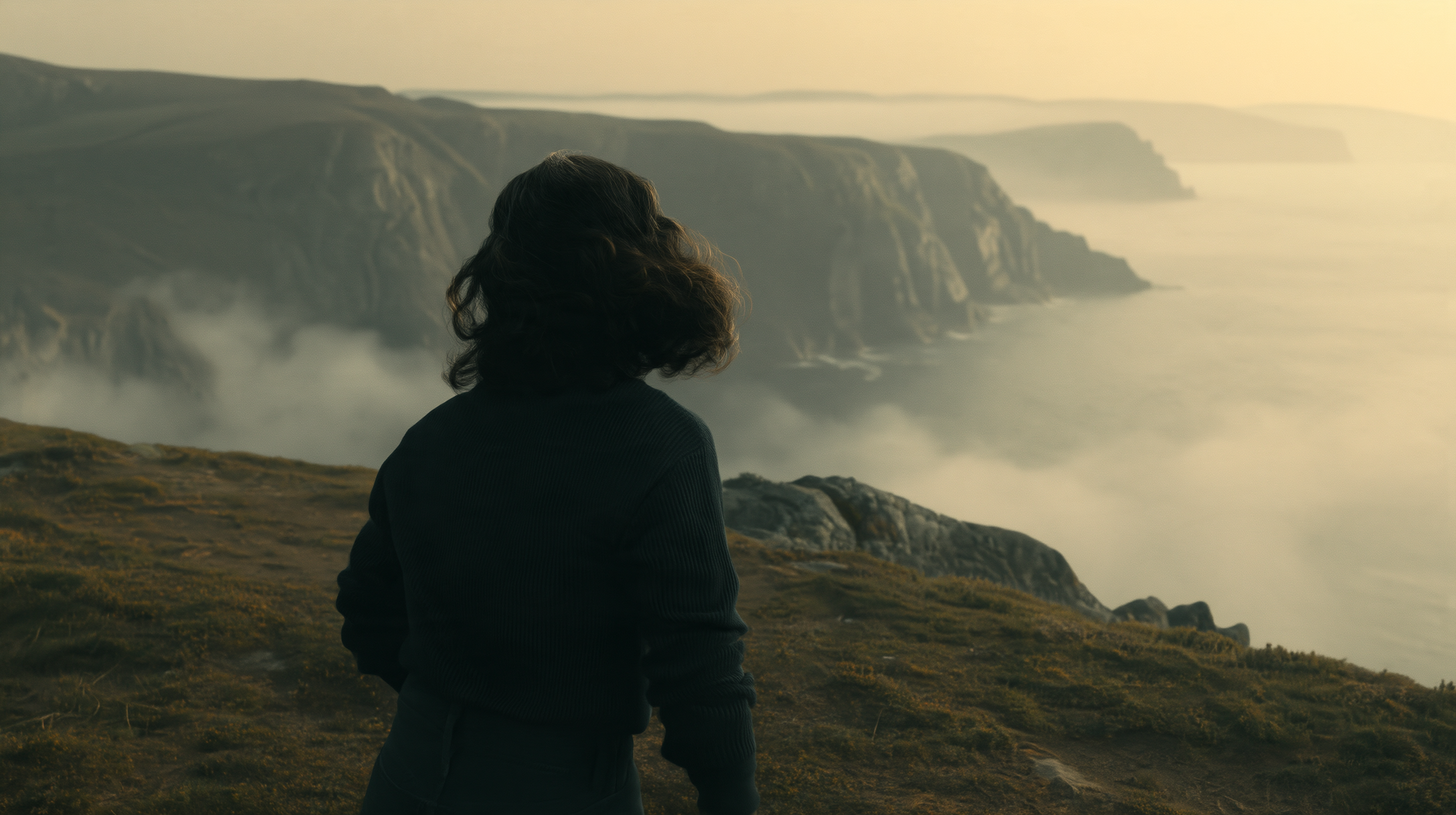
Lighting affects far more than visibility. It establishes time, mood, attention and emotion.
Being able to explore those decisions after a shoot gives filmmakers another way to experiment with a performance they already captured.
The important creative step is choosing a precise lighting reference. Simply asking for something cinematic does not tell a model where the shadows should fall or which parts of a scene need to remain visible.
This workflow is best understood as an option for visual exploration and selected production tasks, not a replacement for careful lighting on set.
Focused takeaway
Choose the footage
Identify the shot and desired emotional effect.
Create a reference
Export a frame and find the lighting direction.
Relight the image
Generate and refine a new starting frame.
Apply it to video
Use both the original footage and revised frame to guide a video model.
Inspect
Check consistency, motion, resolution and unwanted changes.
Curious Refuge reports promising results alongside specific artifacts, including banding and scene deviations.
Source excerpt
VEYR ANGLE
A director shouldn't have to abandon an otherwise good performance because the lighting no longer fits the story.
AI relighting could give that performance another chance.