Workflow · Breakthrough Workflows
Claude Motion turns a simple explanation into an animated video you can keep editing
Anthropic's new animation tool turns presentations, charts and ideas into editable motion graphics, with Runway available for more advanced video finishing.
Reporting updated Oct 9, 2026
THE TAKEAWAY
Claude Motion gives creators a way to build animated explainers without beginning in traditional motion-graphics software. They describe what they want to communicate, Claude creates an editable animation, and production can continue in tools like Runway.
WHAT HAPPENED
Imagine preparing a product presentation filled with charts, diagrams and complicated ideas that would be easier to understand if they moved.
Normally, turning those materials into animation requires layers, keyframes and careful timing inside specialized software.
Anthropic wants to simplify that process.
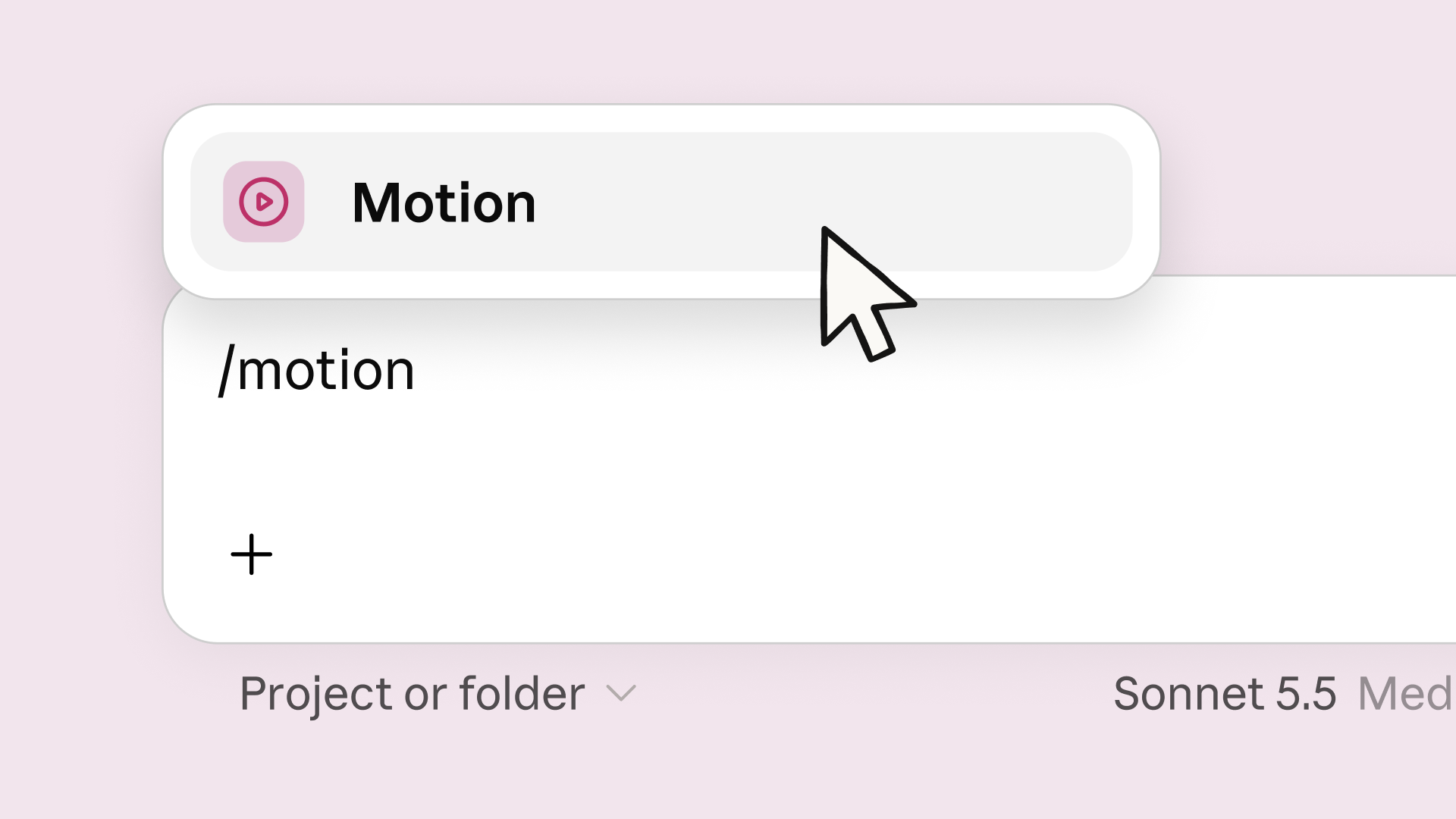
Introduced October 8, Claude Motion transforms written instructions and existing material into animated explainers.
Creators can ask Claude to animate sales figures, illustrate a process or turn a diagram into a short video.
Rather than generating realistic footage, Claude writes code that animates text, charts, shapes and images. Users can then change the information, adjust timing or request revisions without regenerating the entire video.
Anthropic has also connected Motion to creative applications, including Runway, Adobe, Descript, HeyGen, Higgsfield, invideo and Luma AI.
With Runway, creators can move from a structured animation into a more complete video production, adding generated footage, images, music or narration.
Claude Motion launches in beta for Team and Enterprise customers.
WHY IT MATTERS
Motion graphics occupy a useful space between graphic design and filmmaking.
A simple animated explanation might not require complex 3D software, but creating it still demands design, pacing and clear visual communication.
Claude Motion makes that starting point more accessible.
A student, designer, filmmaker or independent developer can begin with an idea, see it animated and continue refining the result.
The Runway connection adds another possibility: a simple animated chart can become part of a product video, while a diagram can be combined with footage and narration.
The creator still controls what the audience sees and how the information unfolds. Claude provides an editable starting point rather than an unchangeable finished result.
FROM IDEA TO FINISHED VIDEO
Describe the message
Begin with a prompt, document, chart or existing material.
Create editable motion
Generate code-based animation rather than flattened video.
Direct revisions
Change text, numbers, scenes and timing.
Finish the production
Export an MP4 or move into Runway for footage, sound and polish.
Sometimes the most useful AI creation tool isn't one that makes the finished video. It's one that gives the creator something worth editing.
VEYR ANGLE
A good motion graphic makes a complicated idea feel simple.
That requires deciding what the audience notices, when information appears and how each moment connects to the next.
Claude Motion gives more people access to those creative decisions without requiring them to master an entire animation application first.
For individual creators who need to explain, demonstrate or pitch their work, that could be a valuable new tool.