
Tools · The Signal
A creator used Claude and Blender to build a 3D scene—and caught the bad camera moves before rendering
Independent creator az9713 used Claude through Higgsfield's Blender Bridge to construct a short 3D animation. The most interesting part wasn't the finished scene, but the mistakes identified and corrected along the way.
Reporting updated Sep 23, 2026
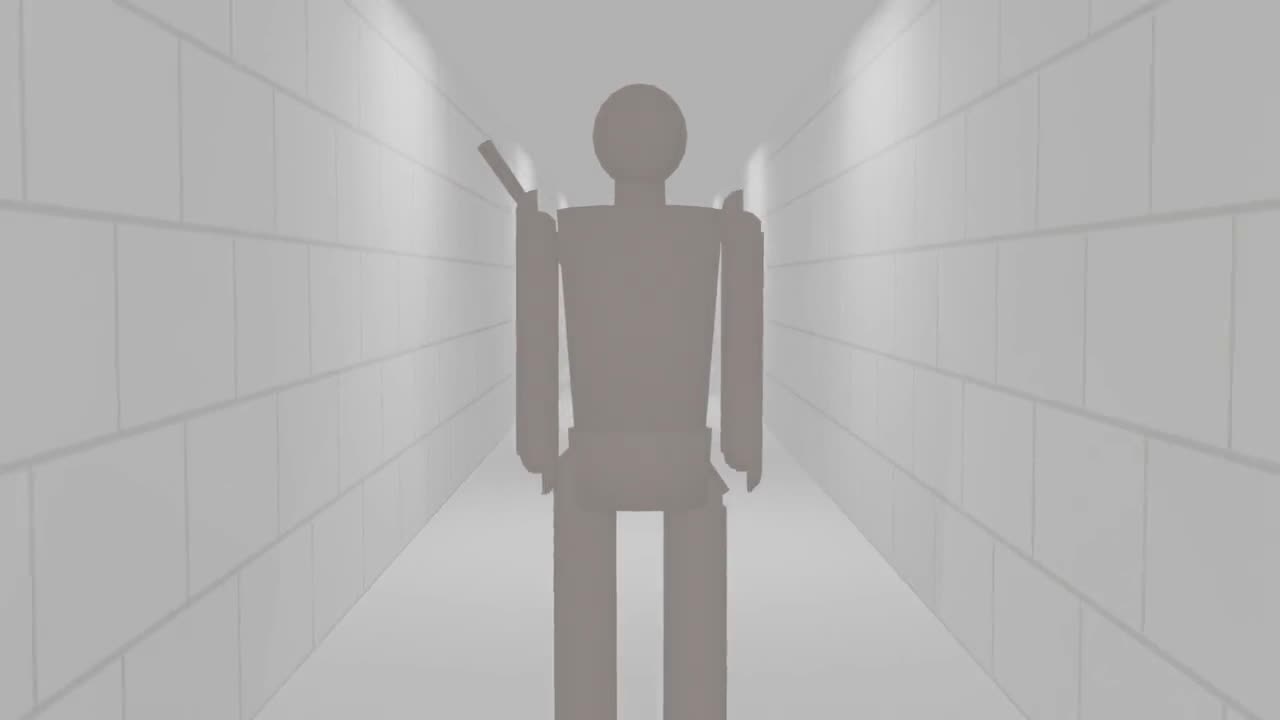
Independent creator az9713 used Claude through Higgsfield's Blender Bridge to construct a short 3D animation. The most interesting part wasn't the finished scene, but the mistakes identified and corrected along the way.
What Happened
A character moves through a corridor as the camera follows. It's a simple 30-second sequence, but creating it involves the same decisions that appear in much larger productions: where the camera goes, how the character moves and whether the action stays visible. GitHub creator az9713 documented building the sequence with Claude connected to Blender through Higgsfield's Bridge. The AI assistant helped assemble the scene and camera movement inside Blender. But the first version wasn't perfect. The creator's build log describes shots where the camera moved too close and the character's head was clipped by the frame. Those problems had to be identified and corrected before the scene could move forward.
Why It Matters
For individual filmmakers and game creators, AI-assisted scene building becomes much more useful when the result remains editable. A camera mistake is easier to repair in a rough Blender scene than after spending additional time generating a polished cinematic treatment.
VEYR Angle
What makes this experiment interesting is the relationship between the creator and the AI assistant. Claude can help build the scene, but somebody still needs to decide whether the shot works.